Please follow the instructions below on how to generate a term-specific invoice statement of your
student account.
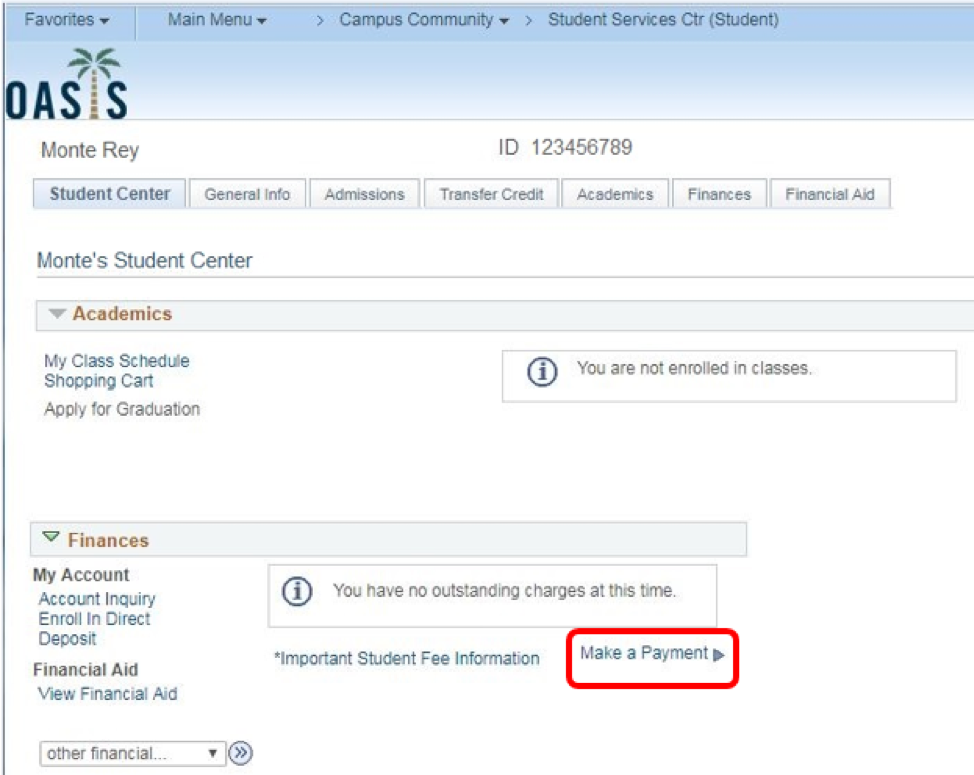
- Log on to your Student Center via OASIS.
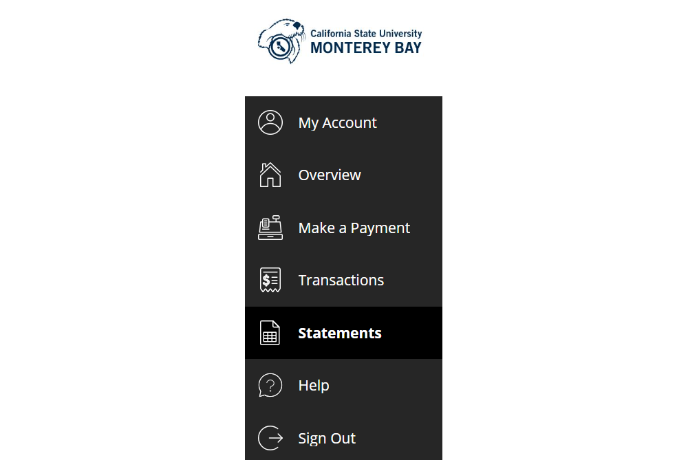
- Navigate to the “Make A Payment” link under the Finances section. You will be directed to the student online payment portal.
- Select “Activity Details” from the left-side menu.
- If you have any pending balances, you will see a running total of current charges for All Terms
listed.
- Please note this balance may differ from the General Account Balance reflected on your
payment portal homepage. The running total balance does not account for credits that
have not been applied to a charge. If you have any questions about your balance shown,
contact us at 831-582-4022 or student_receivables@csumb.edu
- From the drop-down menu, select the specific term you would like to see activity details for. Activity details for the term selected will be displayed below the running totals section.
- If you would like to save or print this page, select the printer icon in the upper right-hand corner.